
AmazonIQ: A Dedicated Amazon Seller Intelligence Dashboard and GPT by NAVINES
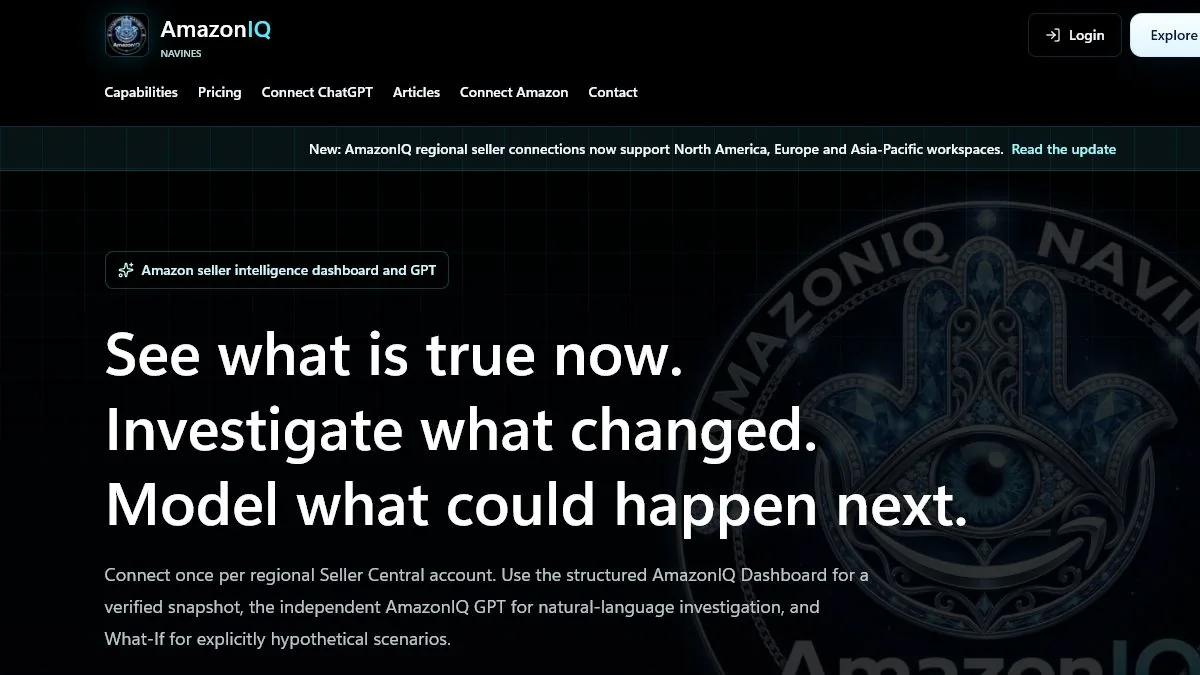


AmazonIQ by NAVINES is a dedicated Amazon seller intelligence command center for sellers who want a clearer way to review supported operational data, investigate changes and model hypothetical scenarios. It combines a structured dashboard, an independent natural-language investigation experience through AmazonIQ GPT and a clearly separated What-If Lab.
AmazonIQ uses seller-authorized Amazon SP-API access and remains read-only. It does not change prices, listings, inventory, orders, refunds or shipments. The goal is to help an authorized seller understand available evidence and decide what to investigate next, not to operate the Amazon account on the seller’s behalf.
Three Separate Ways to Investigate Amazon Operations
AmazonIQ Dashboard: See What Is True Now
The AmazonIQ Dashboard organizes supported seller information into a structured operational workspace. Depending on the seller account, assigned roles, marketplace, region and the data Amazon returns, the dashboard may surface supported sales, orders, order items, listings, fees, FBA inventory, reports, risks and opportunities.
Missing or unavailable data should remain clearly labeled. Some report-backed data may require Amazon preparation time, and availability can vary between seller accounts and regional workspaces.
AmazonIQ GPT: Investigate What Changed
AmazonIQ GPT provides a separate natural-language investigation experience. An authorized seller can ask grounded questions, compare periods, investigate ASINs and SKUs and combine supported Amazon evidence with seller-provided Excel or CSV cost files.
The Dashboard and AmazonIQ GPT are independent experiences. They can use the same seller-authorized AmazonIQ connection, but they do not read data directly from each other. This separation keeps the structured snapshot and the conversational investigation clear.
What-If Lab: Model What Could Happen Next
What-If Lab is designed for explicit hypothetical scenarios. Sellers can explore inventory, fee and contribution assumptions without presenting an estimate as an actual Amazon result. Visible assumptions help keep modeled possibilities separate from returned seller data.
Regional Seller Workspaces
AmazonIQ supports regional seller workspaces across North America, Europe and Asia-Pacific. A seller connects an eligible regional Seller Central account, and AmazonIQ shows only the marketplaces and supported capabilities confirmed for that account. Marketplace and capability coverage varies by account, role, region and what Amazon returns.
Supported Intelligence Areas
For eligible accounts and returned data, AmazonIQ may support investigation in areas including:
- orders, order items, sales, units and average order value;
- ASIN and SKU discovery;
- listings, buyable status, errors and warnings;
- fees, refunds, reimbursements and Amazon net proceeds;
- FBA, inbound, reserved, aged and excess inventory;
- inventory movements and fulfillment-center transfers;
- returns, removals and selected seller-performance indicators;
- Product 360, Seller Briefing, Risk Radar, Opportunity Radar and What Changed views;
- What-If scenarios and seller-uploaded Excel or CSV cost analysis.
This is capability coverage, not a promise that every field is available for every account. Report-backed data may require preparation time, and some information depends on Amazon eligibility and role approval.
Read-Only by Design
Seller authorization does not give AmazonIQ permission to run the account. AmazonIQ does not change prices or listings, adjust inventory, create shipments, initiate refunds or reimbursements, place orders or message buyers. It does not provide buyer personally identifiable information.
The current Seller Central connection should not be described as complete Account Health, full Message Center access or Amazon Ads and PPC data. Those areas are outside the current supported connection unless the official AmazonIQ product documentation states otherwise.
How to Connect
- Open the official AmazonIQ website and create or access your AmazonIQ account.
- Use Connect Amazon to authorize an eligible regional Seller Central account through Amazon’s approved flow.
- Review the structured dashboard and, when useful, connect the separate AmazonIQ GPT experience.
Access and Pricing
AmazonIQ offers Free Limited Access for exploration. Continued use requires an active paid plan. Because pricing can change, review the official AmazonIQ pricing page for current plan details.
AmazonIQ is an independent NAVINES product and is not endorsed by or affiliated with Amazon. Amazon and related trademarks belong to Amazon.
Comments are closed.